Video | Jailbreak iPhone, iPod Touch, iPad - Part 4 Skip to content

Jailbreak iPhone, iPod Touch, iPad

новости про джейлбрейк iPhone, iPod Touch и iPad

Archive

Category: Video

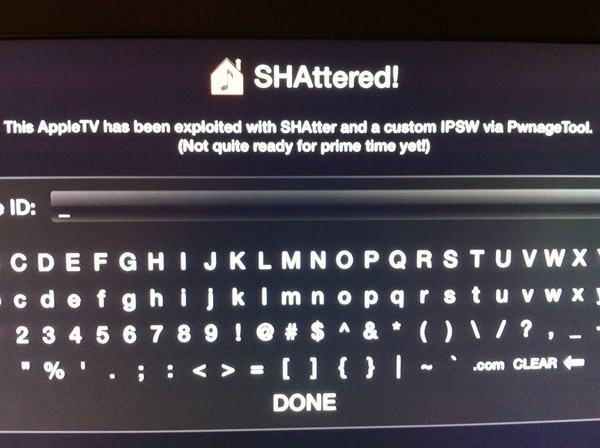
Today the new Apple TV has been jailbroken by hacker MuscleNerd from DevTeam. He used the SHAtter exploit. This means that hackers were able to gain full access to the device. Here is MuscleNerd’s comment on twitter:

AppleTV 2G SHAttered and jailbroken (not quite sure how to run apps yet!)

MuscleNerd and the rest of the Dev-Team will probably create a public release of some utility soon. Here is a youtube video showing off the jailbroken device:

Read the rest of this entry »

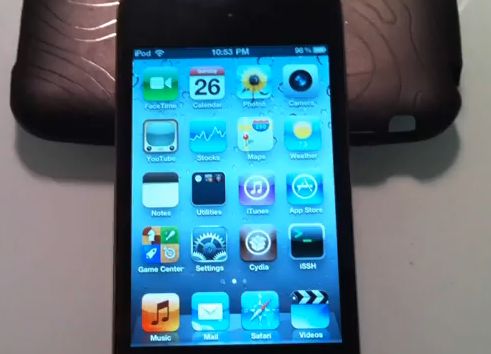
jailbreak-ios41-ipod4g

The new exploit is called SHAtter. It was developed by hacker pod2g a few months after hacker p0sixninja from the Chronic Dev Team discovered the crash. The same exploit can be used to jailbreak iPhone 4 and iPad with new firmwares. So iOS 4.1 and maybe even iOS 4.2 is not a problem any more. Soon we will see the utilities from DevTeam to perform the jailbreak.

The DevTeam published a video if a jailbroken iPod Touch 4G. Take a look:


Read the rest of this entry »

DisplayOut, is a a very powerful little jailbreak tweak that lets you output anything that’s on your iDevice’s screen to a TV. The folks over at iSpazio gave it a try today and unsurprisingly, it works just great with FaceTime.

As you’ll see in their video, it scales very well and besides the sound issues due to the iPhone’s limited connectivity (which could be worked around), it looks like a totally viable alternative to those entreprise video-conferencing solutions some companies are spending big dollars on these days.

Have you ever wanted to display something on your iPad to external big screen? Here’s a quick video tutorial how to do that:


Read the rest of this entry »

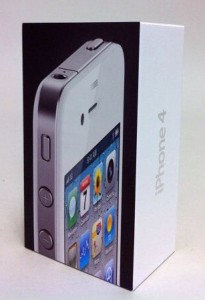
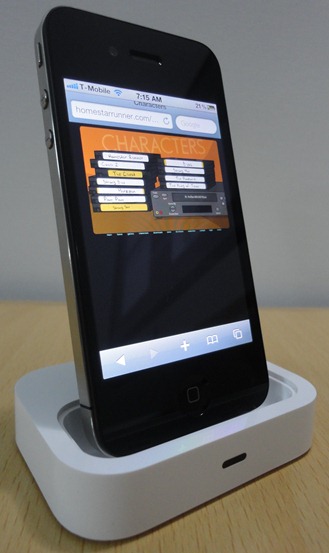
WhiteiPhone4It seems the device is the latest version of the white iPhone 4, which is officially scheduled for release in the end of this year. “Some people believe that this may be one of those devices that have been destroyed by Apple in the last minute after the discovery of defects of white color that have been found.” Check out
Read the rest of this entry »

The Flash port project is called Frash. Recently it became available for iPad, now iPhone users can install it on their devices. Of course you need to jailbreak, since Apple doesn’t support Flash in iDevices.

Credits go to hackers Comex for the Frash port and Grant Pannell for iPhone 4 compilation.

Here is the video proof from redmondpie:


Read the rest of this entry »

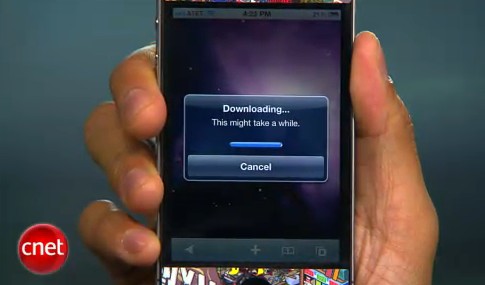
CNet specialists will show how to jailbreak using jailbreakme.com and how to turn on FaceTime over 3G (out tutorial is available here):


Read the rest of this entry »

That was funny when people started jailbreaking iPhone’s inside Apple Stores. The fun ended because stores started banning jailbreakme.com from their WiFi networks. Well, it looks like it didn’t help.

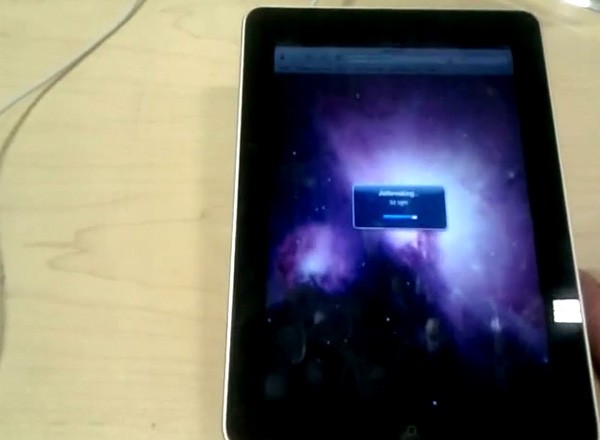
One Apple fan published a video where he jailbreaks iPad by using his Nexus One’s mobile hotspot capabilities. Take a look at the video after the break:


Read the rest of this entry »

Jailbreaking an iPhone 4 is easy. Jailbreaking at an Apple retail store is fun. One of the users did that and captured everything on video. Take a look at the video:


Read the rest of this entry »

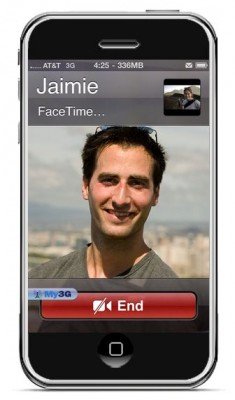
FaceTime feature gives users the possibility to make  voice calls. Apple restricted this feature to Wi-Fi only. Today it became possible to use it over 3G!

Setup Instructions:

  1. Jailbreak your iPhone 4 via www.jailbreakme.com.
  2. Download and upgrade to the latest Cydia package.
  3. Open Cydia, Go to Manage then Sources.
  4. Click Sources, Edit then add: http://apt.modmyi.com
  5. Search for “My3G” — download, and install it. It costs $2.79. My3G makes Apps believe that they are on WiFi instead of 3G.
  6. Go through the Rock setup process with a username and password. Open My3G and leave all settings on the default.
  7. FaceTime should now work over 3G! — Make sure to “Forget” the WiFi network you are on (via iOS settings) if you want to test it.

We haven’t seen any difference between the 3G FaceTime call and a WiFi FaceTime call. The quality is very good.

Here’s a video demo:


Read the rest of this entry »