Graviboard is an upcoming interesting iOS jailbreak application, which will be soon available in the Cydia Store for $2.99. The application allows iDevice owners to set their icons free by abolishing the gravity that holds them on their places on the Springboard. You may drag these “floating” icons around the screen, and there still might open the apps by touching.
Archive
Tag: application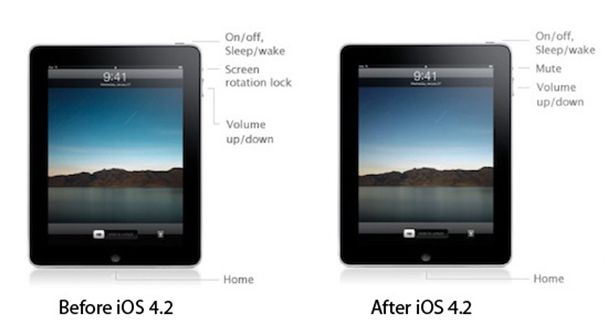
In iPad OS 4.2 ‘Orientation Lock’ was changed to ‘Mute Switch’. If you want to change it back there is an app for that.
NoMute, a jailbreak only application, switches the controversial mute switch from iPad 4.2 into its former (and more useful) orientation lock. The plugin is free and you can get it from the BigBoss repository on Cydia.
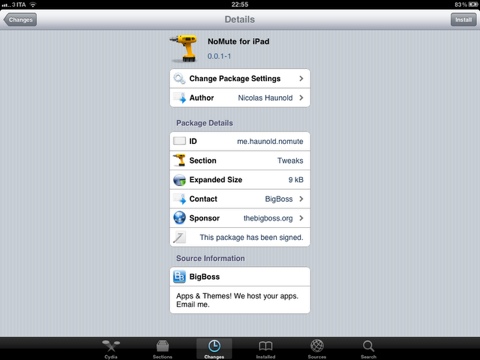
By the way you can lock screen orientation without jailbreaking through multitasking panel – just push Home button twice, slide to the left and hit lock icon.
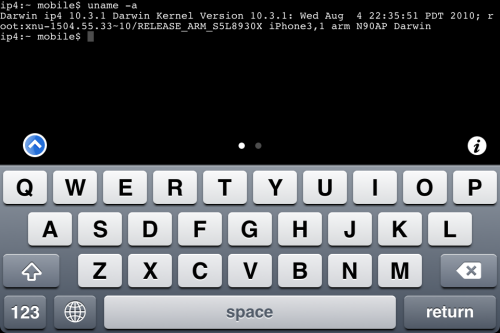
MobileTerminal is a terminal emulator application for the iPad and iPhone. The version of MobileTerminal that is available in Cydia doesn’t work with iPhone iOS 4.x. However there are beta versions that do work, but aren’t on Cydia because they are still in beta stages. This tutorial will show you step-by-step how to install MobileTerminal on iPhone with iOS 4.x (tutorial for iPad is ). If you have old version of MobileTerminal installed – uninstall it in Cydia (Search – MobileTerminal – Remove).
First of all you need to jailbreak your iPhone. If you have not done it already here is an easy tutorial: . After you successfully jailbreaked iPhone:
- Run Cydia by tapping on Cydia icon
- The Cydia will start:

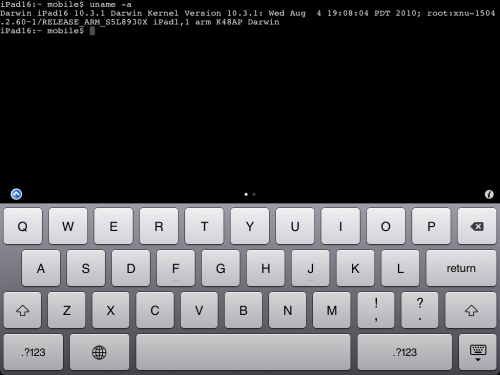
MobileTerminal is a terminal emulator application for the iPad and iPhone. The version of MobileTerminal that is available in Cydia doesn’t work with iPad iOS 3.2.2 and iPhone iOS 4.x. However there are beta versions that do work, but aren’t on Cydia because they are still in beta stages. This tutorial will show you step-by-step how to install MobileTerminal on iPad (tutorial for iPhone is ). If you have old version of MobileTerminal installed – uninstall it in Cydia (Search – MobileTerminal – Remove).
First of all you need to jailbreak your iPad. Here is an easy tutorial: . After you successfully jailbreaked iPad:
- Run Cydia by tapping on Cydia icon
- The Cydia will start:
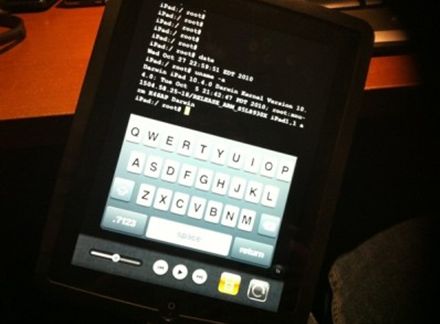
It seams that hackers have had their hands on the iOS 4.2 beta 3 for iPad. But, as we know, there is no official jailbreak for it. Recently the well-known iOS hacker posted aт interesting picture in Tweeter. The shot depicts an iPad running MobileTerminal, a jailbreak application, which gives users full access to the terminal command line interface. But it looks strange, because it means that the hackers missed the beta 4, which should be released this past Tuesday, according to the Apple’s schedule. This could signal that Apple may skip beta 4 altogether and go straight to a GM build sometime next week.

These are instructions on how to jailbreak your iPhone 3GS (all bootroms) or using Limera1n for Mac OS X. Limera1n supports iOS 4.0, iOS 4.0.1, iOS 4.0.2 and iOS 4.1. Use the same steps to jailbreak iPod Touch 4G and iPod Touch 3G and even iPad. You can find the Windows version of this tutorial .
Remember: Do not update to iOS 4.1 if you need the unlock. Ultrasn0w does not support that baseband yet.
Step 1
Open your browaer and navigate to and download LimeRa1n for Mac by clicking on the Mac logo.
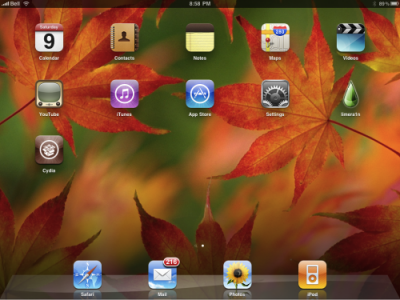
These are instructions on how to jailbreak your iPad with latest iOS 3.2.2 using Limera1n for Windows. You can find the Mac OS version of this tutorial .
Step 1
Open your browaer and navigate to and download LimeRa1n for Windows by clicking on the Windows.
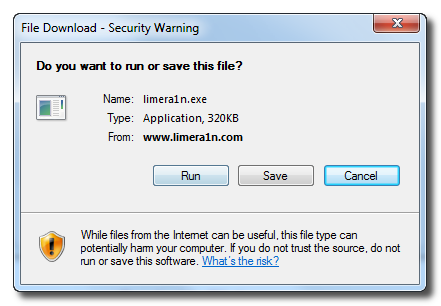
When prompted save the download to your desktop
These are instructions on how to jailbreak your iPhone 3GS (all bootroms) and using Limera1n for Windows. Limera1n supports iOS 4.0, iOS 4.0.1, iOS 4.0.2 and iOS 4.1.
Remember: Do not update to iOS 4.1 if you need the unlock. Ultrasn0w does not support that baseband yet.
Step 1
Download LimeRa1n . If you have problems downloading go directly to and use link at the bottom of the screen.
When prompted save the download to your desktop
Engadget published a howto video of LimeRa1n – iOS 4.0-4.1 jailbreak utility for iPhone, iPod Touch and iPad: