Fun | Jailbreak iPhone, iPod Touch, iPad - Part 4 Skip to content

Jailbreak iPhone, iPod Touch, iPad

новости про джейлбрейк iPhone, iPod Touch и iPad

Archive

Tag: fun

These are instructions on how to jailbreak your iPhone 3GS (all bootroms) and iPhone 4 using Limera1n for Windows. Limera1n supports iOS 4.0, iOS 4.0.1, iOS 4.0.2 and iOS 4.1.

Remember: Do not update to iOS 4.1 if you need the unlock. Ultrasn0w does not support that baseband yet.

Step 1
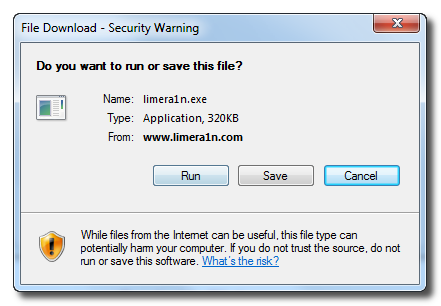
Download LimeRa1n here. If you have problems downloading go directly to www.limera1n.com and use link at the bottom of the screen.

When prompted save the download to your desktop

Read the rest of this entry »

1

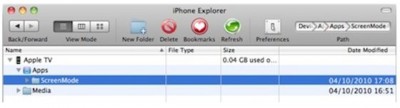
Developer Steven Troughton-Smith found out that iOS applications can installed on the new Apple TV. You only need to slightly modify the applications to identify them as Apple TV-compatible. Of course, Steven’s discovery is an important step in developers’ quest to run applications on the device, but the applications are not yet usable, as the Apple TV doesn’t have any application launcher that would be required for an app to function.


Read the rest of this entry »

1

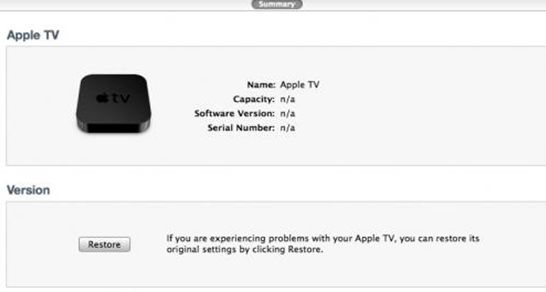
Twitter user with nickname StealthBravo recently confirmed that the new Apple TV can be restored in iTunes as well as any iOS device, easing the way for jailbreakers to bring new functionality to the set-top box. This means that the hackers soon be able to offer us tools, as they currently do for other iOS devices, to save SHSH blobs, jailbreak the Apple TV, and install 3rd party software.

Moreover, Apple TV offers a Micro-USB port for connectivity, but the port also offers a means for users to physically connect the device to computers to employ the techniques required for jailbreak of operating system.

FixFacebookforiPhone3.2ProblemFacebook for iPhone 3.2 was released last night and now it supports the newly created function “Places”, background downloading of photos and videos in iOS 4, together with other visual enhancements, such as “pull-to-refresh” for the iPhone. However, for many users, this new version was mostly broken, with the following error “Unable to load the page” on most of its pages. Yes, and if you try to uninstall and reinstall the application, it simply refuses to “Log in”.

As it turned out, this problem occurs on jailbroken iPhones for those users who have installed the application BiteSMS from Cydia. The new Facebook application for iPhone 3.2 is not compatible with the current version of BiteSMS. So if you have installed this application, removing it from Cydia, you’ll solve this problem, at least it really helped some of the users.

We hope that the new version of BiteSMS will be released pretty soon and will be compatible with this new version of Facebook for iPhone.

PhotoshopExpressforiPadToday Adobe has announced a new Photoshop application for the devices based on iOS while giving a new image to its previous limited functional application Photoshop.com Mobile for the Apple iPhone. Now it has got a new name Adobe Photoshop Express. Here you’ll find a great number of new features for the iPad sporting the larger screen space, support for the device and improved user interface (UI).
Does it have pros and cons?

Yes! There is no support for the Retina Display of the new iPhone 4. It is quite disappointing for many users.

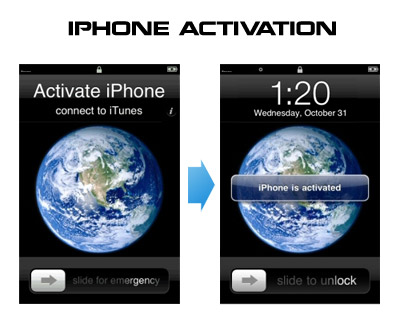
Having problems activating your iPhone? Don’t have original SIM-card? Cannot get passed emergency unlock screen? We have a solution:

If you have iPhone 3G, just use redsn0w to jailbreak and hactivate. If you have iPhone 3GS or iPhone 4 follow these instructions:

If you are already Jailbroken:

So you have an iPhone with iOS 4.0, but don’t have the original SIM and stuck on the Emergency Call Screen:

  1. Download ifunbox software (download link)
  2. Run ifunbox software and sync with phone
  3. Go to /private/var/root/Library/, delete original lockdown folder and put this lockdown folder after you extract it from the zip file
  4. Restart phone

If you are not jailbroken


Read the rest of this entry »

That was funny when people started jailbreaking iPhone’s inside Apple Stores. The fun ended because stores started banning jailbreakme.com from their WiFi networks. Well, it looks like it didn’t help.

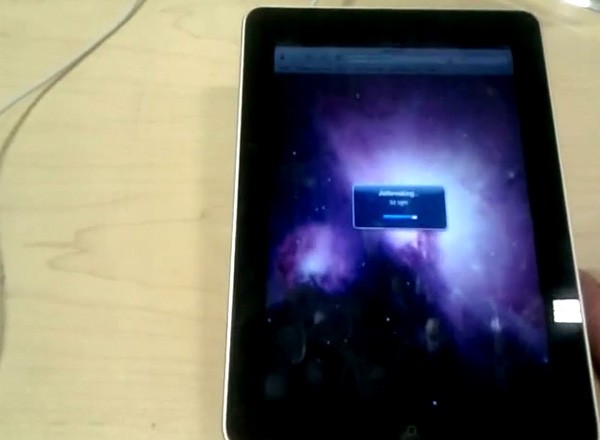
One Apple fan published a video where he jailbreaks iPad by using his Nexus One’s mobile hotspot capabilities. Take a look at the video after the break:


Read the rest of this entry »

There is a big a security hole in iPhone iOS. The device is insecure in a big and obvious way. You should be extremely careful of what sites you visit.

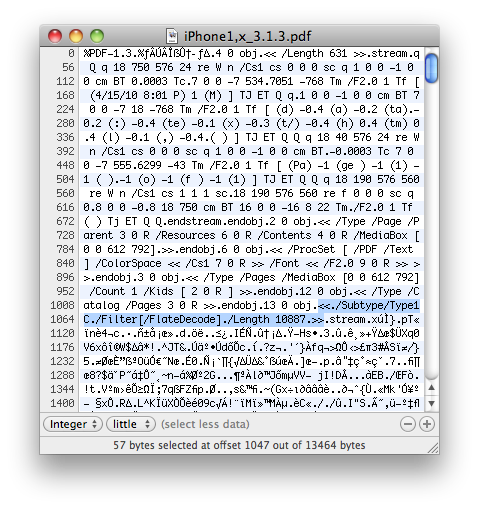
The FlateDecode vulnerability can be used when a PDF File is embedded within a Web page. Basically Safari tries to parse the PDF. And when it does it executes some code. Hackers can use this exploit to read and write iPhone data, get your contacts, sms, even delete something. So they can get all kinds to access your personal information stored on your iOS device.

Apple will fix it some day. Until then you need to take care of your iPhone security. There is a fix for that. It is available via Cydia for jailbroken devices. So you need to jailbreak in order to secure (funny isn’t it?).


Read the rest of this entry »

Jailbreaking an iPhone 4 is easy. Jailbreaking at an Apple retail store is fun. One of the users did that and captured everything on video. Take a look at the video:


Read the rest of this entry »

MuscleNerd tweeted today that the recent redsn0w utility is able to jailbreak the iOS 4.1 beta2 on iPhone 3G and iPod Touch 2G. This is useful for developers only, however good news for everyone.

Here’s some info from the DevTeam wiki page:


Read the rest of this entry »