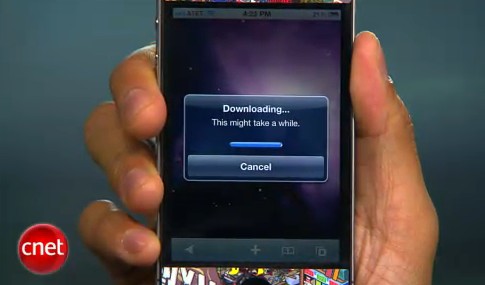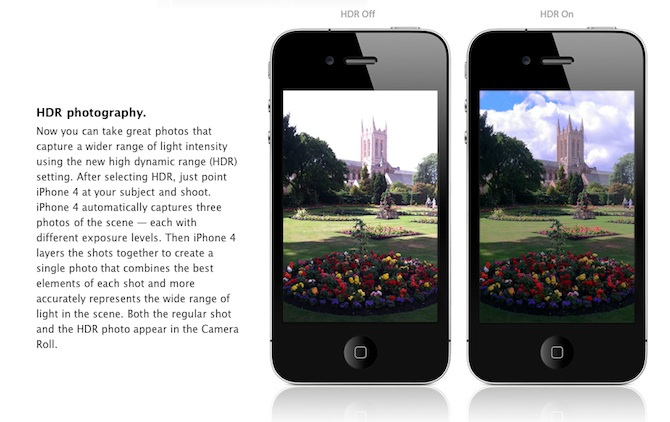
Are you looking forward to add a very popular HDR feature to your old iPhone? Do not worry! If you have a jailbroken (or ready to jailbreak) iPhone 3GS or 3G that runs on iOS 4.1, you can enable HDR photos. Here is a quick tutorial:
Are you looking forward to add a very popular HDR feature to your old iPhone? Do not worry! If you have a jailbroken (or ready to jailbreak) iPhone 3GS or 3G that runs on iOS 4.1, you can enable HDR photos. Here is a quick tutorial:
Some users say that they have problems, while trying to use the JailbreakMe.com service. They simply can not browse the site! We decided to solve this issue, so you can unlock iPod touches, iPads and iPhones. Follow these instructions to achieve a positive result!
Step 1: Instead of typing http://www.jailbreakme.com, enter http://jailbreakme.com/index.html, it will take you directly to the site that really works.
Step 2: If the above does not work, use the Canadian extension as follows http://www.jailbreakme.ca. App Advice claims that it is a mirror redirecting you to the current website version.
In addition, remember that JailbreakMe will work only on your Apple devices, running on iOS 3.2.1/iOS 4.0.1 or below.
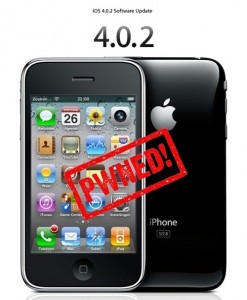 Have you already updated your device to the version iOS4 and want to unlock your 3GS? Firstly there was Redsn0w, now PwnageTool is available, which can easily help you. Here is a simple and easy for jailbreaking of your device. Warning: this is not an official release and therefore may be some bugs that can destroy your device or delete some important information. So be careful while using it!
 Can not wait for the official release? Do you want to get CineXPlayer for iPad on your iPhone and iPod touch right now? For those of you who do not know, CineXPlayer is an iPad application that allows you to download Xvid AVI files using iTunes, so you can easily reproduce the format that Apple won’t. Because the developer has not invented version of the application for the iPhone, the hacker decided to do everything by himself.
It is a complete step by step tutorial on how to install it on your iPhone or iPod touch available . You just need to jailbreak these devices, because the process involves SSH (SSH program for secure file sharing on the network) to access the iPhone, but it’s worth it if you want to get it right now!
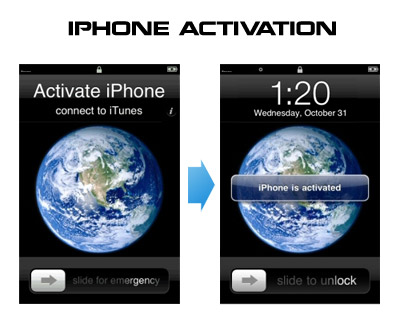
Having problems activating your iPhone? Don’t have original SIM-card? Cannot get passed emergency unlock screen? We have a solution:
If you have iPhone 3G, just use redsn0w to jailbreak and hactivate. If you have iPhone 3GS or follow these instructions:
If you are already Jailbroken:
So you have an iPhone with iOS 4.0, but don’t have the original SIM and stuck on the Emergency Call Screen:
If you are not jailbroken
FaceTime feature gives users the possibility to make voice calls. Apple restricted this feature to Wi-Fi only. Today it became possible to use it over 3G!
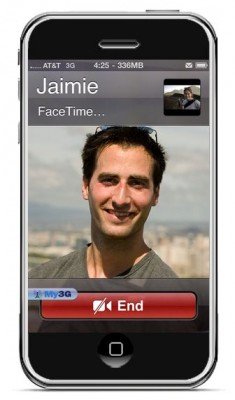
Setup Instructions:
We haven’t seen any difference between the 3G FaceTime call and a WiFi FaceTime call. The quality is very good.
Here’s a video demo:
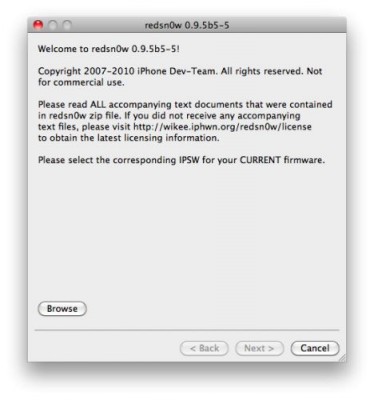
There is no official jailbreak utility for iOS 4.0.1. However you can still jailbreak and unlock iPhone 3G. Just do the following: