Applications | Jailbreak iPhone, iPod Touch, iPad - Part 3 Skip to content

Jailbreak iPhone, iPod Touch, iPad

новости про джейлбрейк iPhone, iPod Touch и iPad

Archive

Tag: applications

This application is developed by Jay Freeman, the creator of the Cydia. Veency is a free app that allows iPhone owners to remotely control their iPhone from PC or Mac desktop via a VNC client.

Here are some of the features:

  • Launch applications on your iPhone
  • Reply to emails, text messages, and more
  • Rearrange icons
  • Lock/Unlock your iPhone
  • Browse through Photos and Contacts

Of course you cannot do two finger gestures with this app. All other actions can be done with the click of your mouse. The only area in which Veency fails tragically at is when opening any video recording application on the iPhone.

This application is avaliable for jailbreaked iPhones via Cydia installer.

Be sure to restart your iPhone after installing Veency and connect to the server using a Wi-Fi connection. We recommend using UltraVNC or TightVNC to connect your Windows desktop. If you’re using a Mac, we recommend Chicken VNC.

Here is a video demonstration:

via readwriteweb
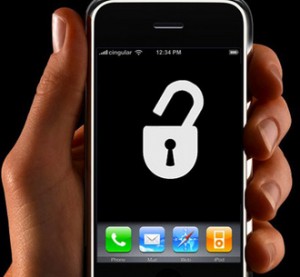
This is a step-by-step tutorial. If you have iPhone 3G this guide will help you jailbreak and activate the device. For iPhone 2G it will also perform the unlock.

I recommend using 2.2 firmware, because iPhone 3G unlock is avaliable now. But you can use it with old v2.1, v2.0.1 and v2.0.2.


Read the rest of this entry »

Today the 400th package was added to Cydia 2.0 repository today. This number includes all kind of applications, modding themes, sound packages, winterboard themes, etc. Most of this stuff is free. All you need to use this is to jailbreak your iPhone.

Many iPhone 3G users would like to use internet on a desktop or notebook through their phone. There were several solutions: iPhoneModem, NetShare, 3Proxy.. they all used SSH and SOCKS proxy. One of the working ones was described here get internet on a desktop or notebook through IPhone 3G.

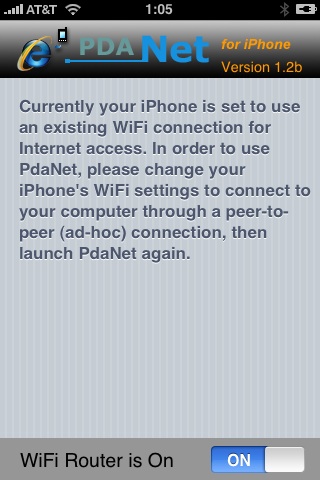
Couple days ago PdaNet (fullname is PdaNet WiFi Router) was ported to iPhone. Now our life is much much easier.


Read the rest of this entry »

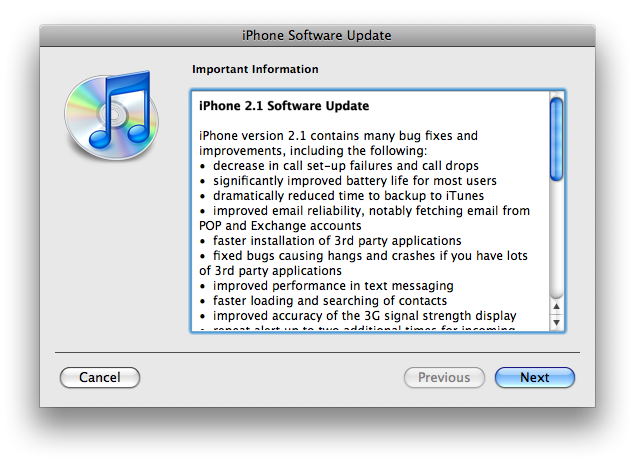
The iPhone 2.1 is out. It contains the following updates as listed by Apple:

– decrease in call set-up failures andcall drops
– significantly improve battery life for most users
– dramatically reduced time to backup to iTunes
– improve email reliability, notable fetching email from POP and Exchange accounts
– faster installation of 3rd party applications
– fixed bugs causing hangs and crashes if you have lots of 3rd party applications
– improved performance of text messaging
– faster loading and searching of contacts
– improved accuracy of the 3G signal strength display
– repeat alert up to two additional times for incoming text messages
– option to wipe data after ten failed passcode attempts
– Genius playlist creation

The 2.1 firmware is build 5F136 (weighing in at 237.8MB) and can be directly downloaded through iTunes. The new firmware also contains a number of security fixes including the well publicized passcode flaw.

Jailbreak for 2.1 is not avaliable yet.

There are so many tools, some for Mac OS, others for Windows, different versions… Complicated. So let’s summerize a little bit.

If you have iPhone 3G, you’ll be able to install 3-rd party non AppStore applications (through separate applications called Cydia and Installer) and run these applications. If you have old iPhone, in addition to that you’ll be able to unlock the device (use with any carrier).

There are two methods: quickpwn and custom firmware method. First one is for quikly pwning and jailbreaking  the device without restore. You should use it if you have unlocked device or an AT&T contract.

If you are Windows user:

  • Go for WinPwn. The current version is 2.5.0.2 (also called 2.5 beta-2). Download here. It supports both iPhone and iPhone 3G, firmwares 2.0, 2.0.1, 2.0.2. You can use either quickpwn or custom firmware method.
  • There is a separate QuickPwn tool for Windows. The current version is RC3. Download here. Do you need it? Yes, if you want to quick pwn and you do not like WinPwn (or you had problems with it).

If you’re using Mac OS:

  • Go for PwnageTool. The current version is 2.0.3.1. Download here. Works with 2.0, 2.0.1, 2.0.2 firmwares using custom-firmware method.
  • There is a version of QuickPwn tool for MAC OS. The current version is 1.0.0. Download here. It works only with firmware 2.0.2. Do you need it? Yes, if you want to quick pwn.
    QuickPwn is not a replacement for PwnageTool, they are different tools and provide different features, QuickPwn is for quickly pwning a device, whereas PwnageTool is designed to custom build and tailor the ipsw production process, both tools will be actively developed in the future.

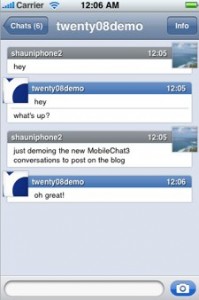
    Both ApolloIM and MobileChat were jailbreak applications for chatting on the go with your iPhone/iPod touch. Alex Schaefer, ApolloIM’s founder, has recently joined the MobileChat development team. In a blog posting by the developer of MobileChat, he said that both applications underwent “friendly competition” and that, while there was no clear winner in the iPhone IM business, users got the benefit from the ongoing competition.

    Now that Alex has joined the other team, you can expect that MobileChat will only get better. The post goes on to mention that Alex will be working on stability and user experience for the application.

    via tuaw

    PS: As for me, I like Agile Messanger much better.

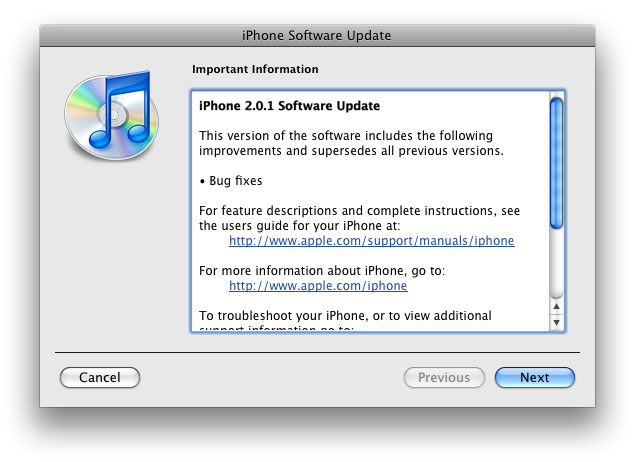
    The main purpose is bug fixing. Many applications work faster. Here is the list of changes:

    • Drag an app icon across multiple pages in one motion, rather than having to drag it, drop it, pick it up again and drag it over to next page, and repeat.
    • Contacts are now more responsive.
    • Backup is much faster.
    • Apple may have changed the calibration of the iPhone’s reception “bars” while connected to a 3G network to reflect a stronger signal than before.
    • Keypad loads quicker.
    • Screen rotation in Safari appears to be smoother.
    • Some apps may ask to be updated after the firmware upgrade.
    • SMS typing faster.
    • Google Apps works faster.
    • Netshare still works (for those who use it).
    • Works with iPod.
    • Multimedia content is kept after update.
    • No Support from Pwnage and WinPwn. If you update you’ll loose unlock and jailbreak.

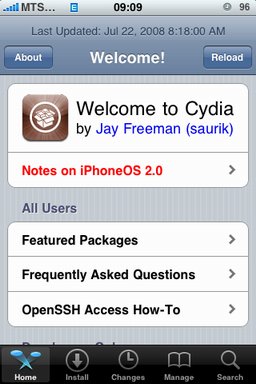
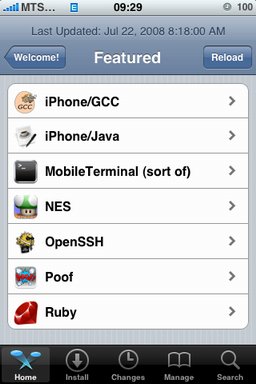
    After successfull jailbreake of the IPhone/IPhone 3G with firmware 2.0 it is possible to install Cydia installer. And what is more exciting, there are many applications there, including Java.

    Related articles:

    screenshots are from iphoneapps.ru